
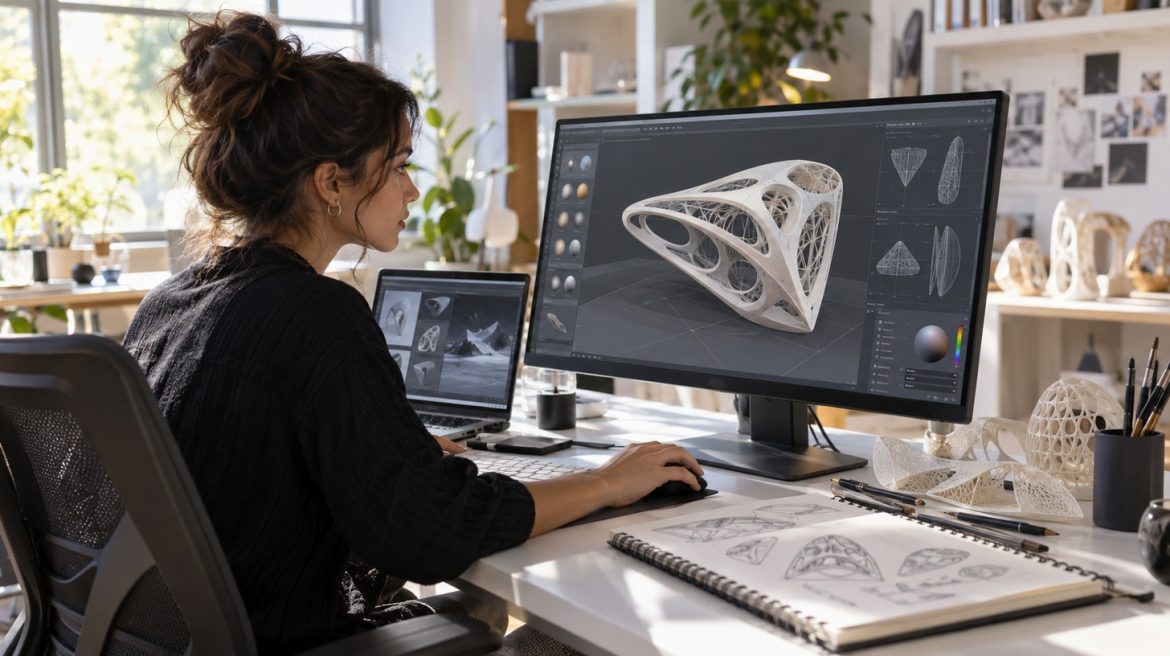
The best 3D app depends on the work in front of you. A motion designer, fashion designer, product artist, interior designer, and character animator may all work with digital visualization, but they rarely need the same setup.
Strong choices include Blender, Maya, Cinema 4D, Adobe Substance 3D, Style3D, Marvelous Designer, and Browzwear VStitcher. Creative professionals working with interiors may also use GenRoom alongside traditional 3D software when they want to explore visual concepts quickly. Some tools are broad suites. Others solve one part of the creative pipeline extremely well.
What features should you look for in 3D design apps?
Start with workflow, not the longest feature list. Look for solid modeling tools, responsive performance, good materials and lighting, reliable rendering, and support for the file formats your team uses.
Also check how easily the app fits with other software. Professional 3D work often moves between modeling, texturing, animation, rendering, and production tools, so clean import and export matter.
Which 3D design apps are best for general creative work?
Blender is one of the strongest all-round options. It combines modeling, sculpting, animation, simulation, rendering, compositing, and scripting in a free, open-source package.
Maya remains a serious choice for character animation, VFX, and studio production, with tools for modeling, rigging, simulation, and rendering. Cinema 4D suits motion designers who want fast modeling, animation, simulation, and a workflow built around motion graphics.
Where does Adobe Substance 3D fit?
Substance 3D focuses on materials, texturing, and presentation. Painter lets artists work directly on 3D models, Designer is built for procedural materials, while other tools in the collection cover material creation and scene presentation.
It works best as part of a wider 3D toolkit, especially when surface detail and polished visuals matter.
Which 3D apps are best for fashion design?
Fashion software has a different job. It needs to show how fabric drapes, stretches, fits, and reacts to construction changes before a physical sample is made.
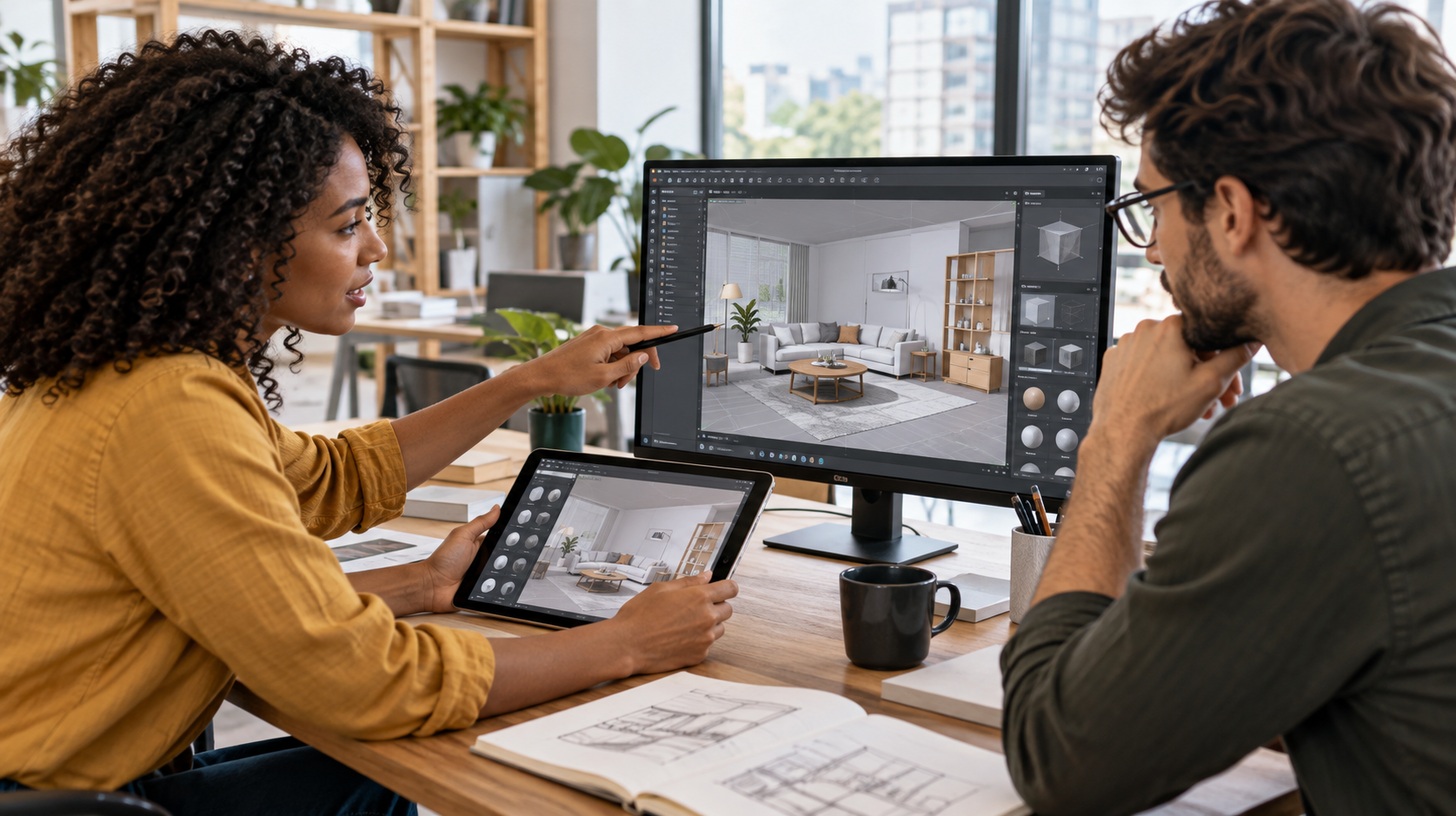
Style3D brings pattern work, fabric simulation, avatars, rendering, and production tools into one apparel workflow. Its AI-assisted features can also reduce repetitive setup work and make early design iteration faster.
Marvelous Designer is a strong choice for realistic digital garments and cloth behavior across fashion, games, and character art. Browzwear VStitcher goes deeper into apparel development with patterns, fabrics, trims, sizing, fit visualization, and production-focused outputs.
How do 3D design apps improve creative work?
The biggest advantage is faster iteration. Designers can test shape, material, lighting, fit, color, and composition before committing to a costly render, physical sample, or production decision.
That leaves more room to explore. A weak idea can be dropped early. A good one can be refined before time and budget are locked in.
When should professionals upgrade their 3D software?
Upgrade when your current tools create a real bottleneck. Faster simulation, better rendering, stronger file support, useful AI assistance, or smoother collaboration can justify the switch when they genuinely save production time.
If your setup is stable and already does the job, there is no prize for upgrading first.
Where should beginners start?
Blender is a strong starting point for general 3D because it is free and deep enough to grow with you. SketchUp is easier for quick spatial and architectural concepts.
Interior design beginners do not always need to build a complete 3D scene from scratch either. Exploring AI room design free tools can be a faster way to test layouts, styles, and visual directions before moving into more technical modeling software.
For digital fashion, Style3D or Marvelous Designer can be more practical because learning starts with garments, fabric, patterns, and fit instead of generic polygon modeling.
Do 3D design apps improve product visualization and sales?
Yes, when they help teams show products more clearly before production. High-quality digital assets can be reused for presentations, e-commerce, campaign visuals, virtual showrooms, and design reviews.
They also make feedback easier. Instead of describing a change in a long message, teams can show it visually, compare versions, and make a decision before money is spent on physical production.
The smartest choice is the app that fits your main task and connects cleanly to the rest of your workflow. For many creative professionals, the best “3D app” is actually a small set of tools, each handling the part it does best.